How to Start Live Streaming: A Beginner's Guide
A beginner's guide to going live: choosing a platform, setting up equipment on any budget, configuring your first stream, growing an audience and staying safe on camera.
Live streaming looks simple from the outside and confusing from the inside. You press one button, and then discover that the button is the easy part. Learning how to start live streaming is really about making a small number of decisions correctly and ignoring the rest until they matter.
This guide walks through those decisions in order: which platform to use, what equipment you actually need, how to configure a first broadcast, how to grow without burning out, and how to stay safe when strangers can watch you in real time.
The most common mistake new streamers make is buying equipment before choosing a platform. The platform determines everything else, including what your stream should look like.
Key Takeaways
- Choose the platform before the equipment; each one has its own audience and format.
- A phone and decent light outperform an expensive camera in a dark room.
- A stable connection beats high resolution every time; test your upload speed first.
- Streaming on a schedule you can sustain matters more than streaming often.
- Set moderation tools up before your first viewer arrives, not after.
Pick the Right Platform for Your Content
Platforms are not interchangeable. They differ in audience, in what viewers expect, and in how you get discovered. Twitch remains the default for gaming and for streamers who want live chat culture, while YouTube rewards people who can turn a live broadcast into an on-demand video afterwards. If you are building around music, conversation, or talent rather than games, the audience is elsewhere: 17LIVE dominates in Taiwan and Japan, CHZZK is where Korean viewers moved after Twitch left the market, and SOOP serves the same audience that AfreecaTV built. Showroom and TwitCasting are built around casual, mobile-first broadcasting rather than scheduled shows.
For a first stream, the honest advice is to pick the platform where you already spend time as a viewer. You will understand the format, the chat culture, and the etiquette without having to learn them separately. Our comparison of live streaming platforms covers the differences in more detail, and the live stream category lists every service in the directory.
Get the Basic Equipment Right
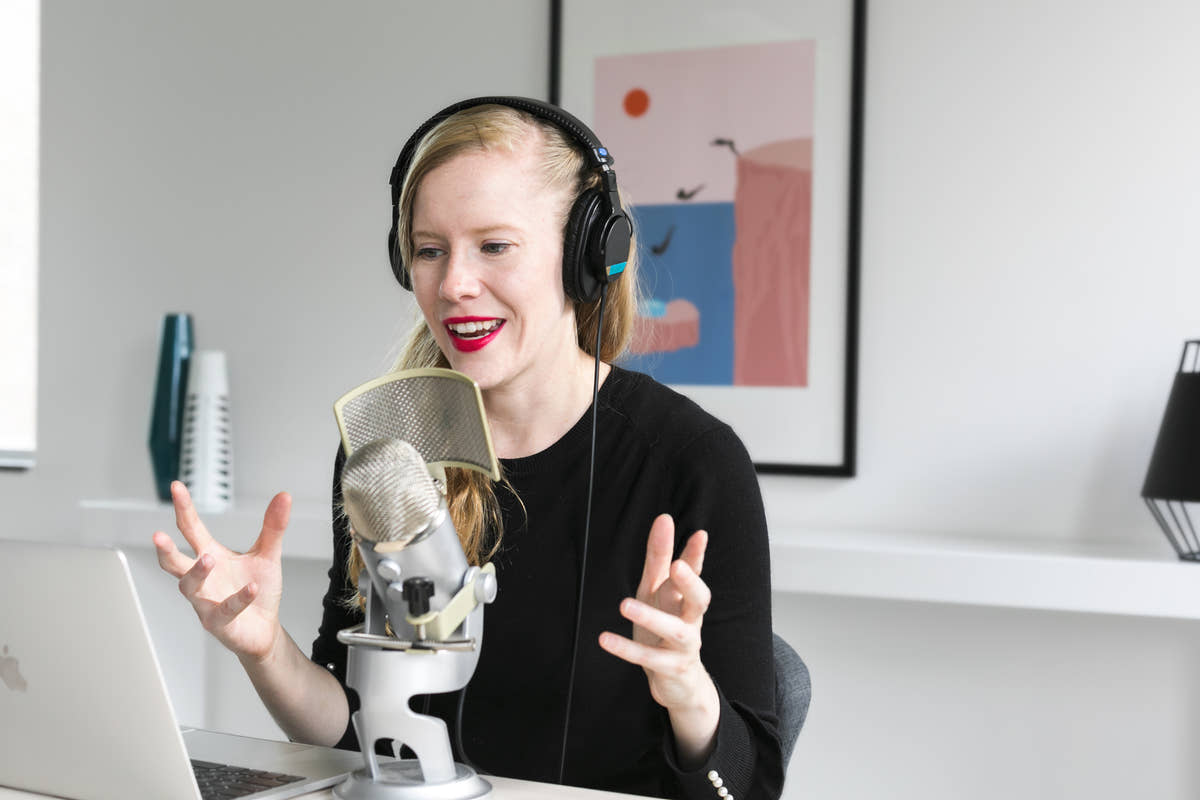
The equipment advice that matters is about order of spending. Start with your phone or an existing webcam; both are enough to begin. Add a light before you add a camera, because image quality is mostly a lighting problem. Add a microphone before you add anything else, because viewers forgive a soft picture and never forgive bad audio.
Broadcasting tools matter more than hardware for anyone streaming to more than one place. StreamYard runs in a browser and handles multi-guest shows, which makes it the simplest route to a first broadcast with a co-host. Restream sends one stream to several platforms at once, which is useful once you have an audience on more than one service. Both remove the need for a powerful computer, and each documents its own requirements before you commit: StreamYard and Restream.
Test your upload speed before you commit to a resolution. Most platforms recommend roughly double your chosen bitrate as available upload bandwidth, so a 1080p stream at 6 Mbps needs about 12 Mbps of stable upload. If you are close to that limit, stream at 720p. A stream that never buffers looks more professional than one that drops every few minutes.
Set Up Your Stream and Go Live
Configure the boring parts first, because they are the parts you cannot fix while live. Set your stream title and category, check that your microphone is the one you think it is, and do a private test recording to hear what your viewers will hear. Echo and background hum are easy to fix beforehand and impossible to fix mid-broadcast.
Set moderation before you need it. Enable follower-only or slow chat if the platform offers it, add a list of blocked words, and appoint a moderator if anyone you trust is around. A chat that turns hostile during your first week is far more discouraging than a small audience, and it is entirely preventable with settings that take five minutes.
Then go live on a schedule you can keep. Two hours on the same evening each week builds an audience faster than five unpredictable sessions, because viewers plan around a routine. Say your schedule out loud during the stream and put it in your channel description so people can find it.
Grow an Audience Without Burning Out
Audience growth follows consistency and specificity rather than production quality. A stream about one thing, at one time, for people who care about that thing, will grow. A stream that covers whatever you feel like that week will not, because nobody knows what they are subscribing to.
Burning out is the more common failure. Streaming is more tiring than it looks, because you are performing continuously with no natural pauses. Set a maximum length before you start, stick to it even when the stream is going well, and take a week off when you need one. An audience that only tolerates you at full intensity is not an audience worth keeping.
Stay Safe and Handle Moderation
When you stream, strangers can watch you in real time, and everything you show stays in the recording. That has consequences that are easy to forget while you are talking. Keep your address, workplace and daily routine out of the stream, including details that appear by accident: post, uniforms, street signs, a pet's name you use everywhere. Check what is visible behind you before you go live, not during.
Harassment is a when, not an if, for anyone who streams regularly. Learn where the ban and timeout tools are before you need them, and use them without negotiating. The YouTube live streaming policies and the Twitch Creator Camp both explain the rules and the tools available to you, and the YouTube Creator Academy covers the production side in more depth than any single guide can.
Conclusion
Starting to live stream is a sequence of small decisions rather than one big launch. Choose the platform where you already watch, use the equipment you own, add light before cameras and microphones before everything else, configure moderation before your first viewer, and commit to a schedule you can actually keep.
Ignore the advice about growing fast. The streamers who last are the ones who found a format they can repeat for a year, and everything else follows from that. If you would rather talk to people one to one than broadcast, our guide to video calling someone new covers the other direction.
Frequently asked questions
Do I need expensive equipment to start live streaming?
No. A phone or existing webcam, a cheap light and a basic microphone are enough for your first streams. Lighting and audio quality matter far more than camera resolution.
Which platform is best for a beginner streamer?
The one you already watch. You will understand the format and chat culture immediately. Twitch suits gaming, YouTube rewards on-demand video, and 17LIVE or CHZZK suit music and conversation.
How often should I stream?
Pick a schedule you can sustain for months, such as two hours on the same evening each week. Consistency builds an audience faster than streaming more often at unpredictable times.
What upload speed do I need for live streaming?
Around double your chosen bitrate. A 1080p stream at 6 Mbps needs roughly 12 Mbps of stable upload. If you are close to the limit, stream at 720p instead.
How do I deal with trolls in my chat?
Set up moderation before you go live: slow chat, blocked words and follower-only mode. Use ban and timeout tools immediately rather than arguing, and appoint a trusted moderator once you have regular viewers.